


In today’s fast-paced digital world, the quality of visual content can make or break your online presence. That’s where AI face enhancer comes in - they can be used in the case, like restoring old family photos, removing blur from motion-affected photos, refining facial details in portrait and so on.
Whether you’re a photographer, content creator, or social media enthusiast, this AI-powered solution ensures every detail, from subtle skin textures to fine facial features, is perfectly enhanced. There are 3 strong AI face enhancers can enhancer intelligently fine-tunes the details to create stunningly enhanced portraits in just seconds.
Contents:
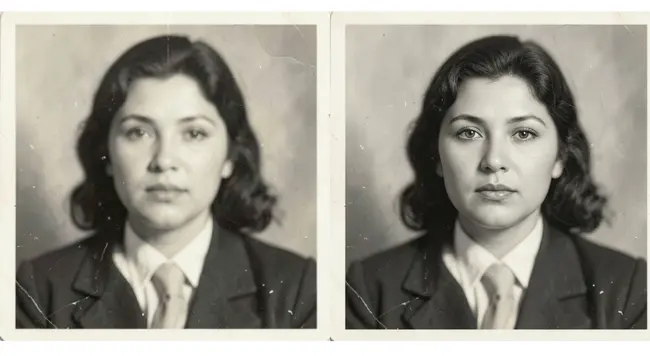
FlexClip's Example Image
Part 1 The Excellent AI Face Enhancer for You to Try - FlexClip
FlexClip is the right choice for you to save hours of manual editing to enhance the face in your photo. As one of the best online AI face enhancers, FlexClip can breathe new life into your old or low-quality photos. It will seamlessly remove scratches, stains, spots, and tears from old photos, turning the blurred photos into clear images. With it, you can explore the endless possibilities that make your photo unique.
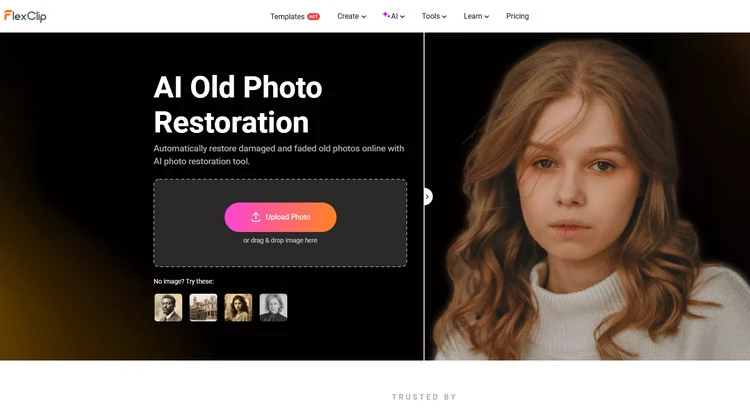
Old Photo Restoration - FlexClip
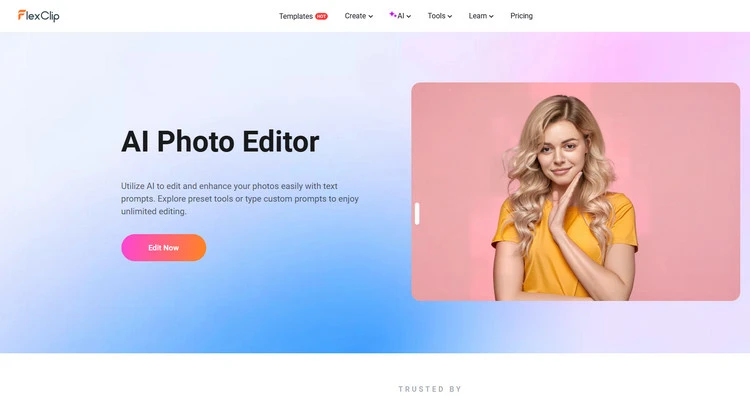
AI Photo Editor - FlexClip
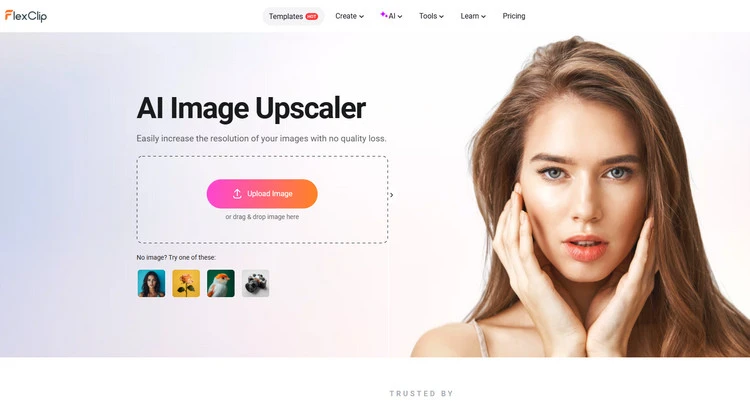
AI image upscaler - FlexClip




Method 1 Facial Enhance with AI Old Photo Restoration
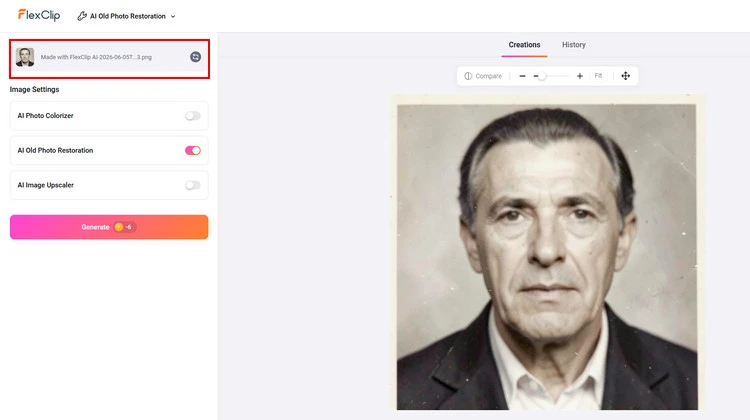
Upload Photos to AI Old Photo Restoration - FlexClip
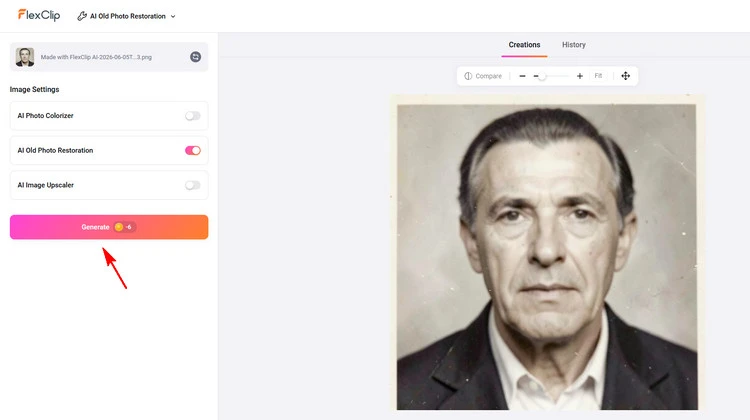
Enhance the Facial Detail in Photo - FlexClip
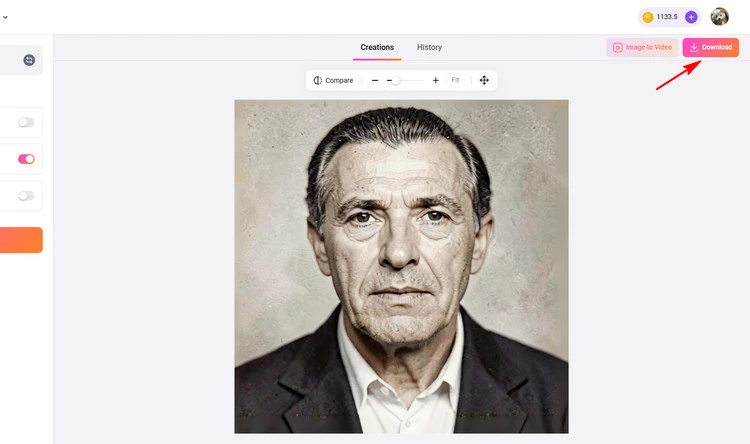
Download Your Photo - FlexClip
Method 2 Facial Enhance with AI Photo Editor
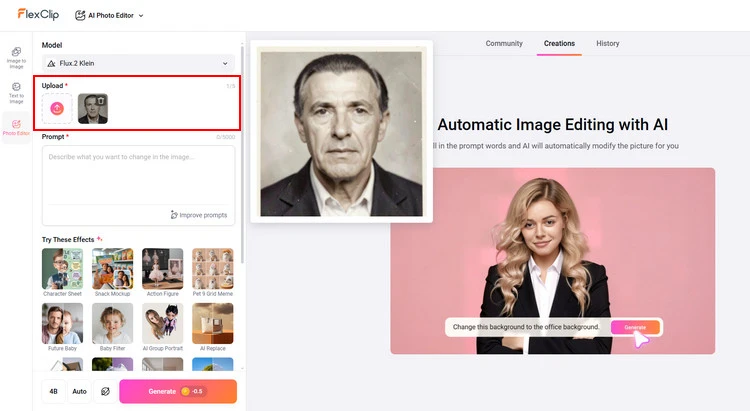
Upload Photos to AI Photo Editor - FlexClip
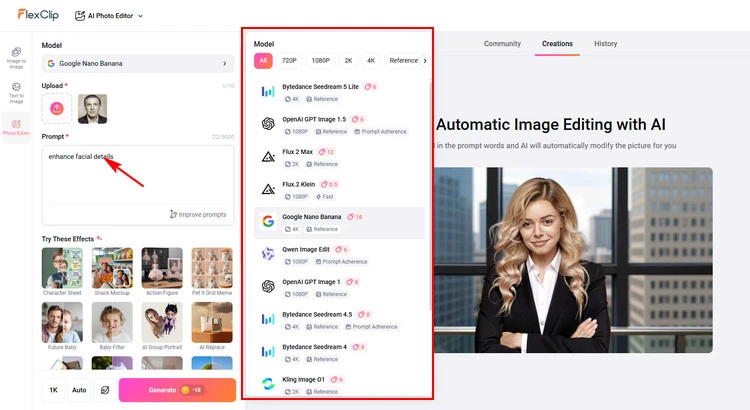
Enhance the Facial Detail in Photo - FlexClip
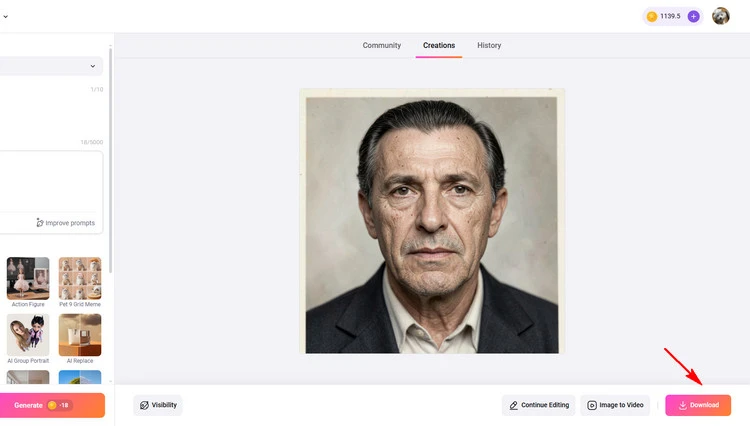
Download Your Photo - FlexClip
Part 2 The Excellent AI Face Enhancer for You to Try - Media.io
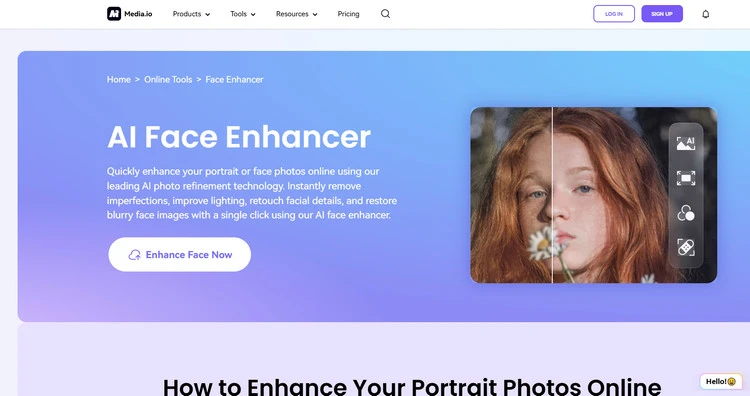
Media.io
With Media.io photo enhancer, you can easily touch up your images online without pressing any button. Once you upload your photos, this tool will use its face restoration AI capabilities to remove any unwanted elements from your picture. It can help you beautify your face photos by removing blemishes, acne, wrinkles, pimples, black spots, and more. In short, your face will become smoother and more attractive within seconds.
If you have some low-resolution photos, this online AI face enhancer will help you improve the quality of your pictures automatically by increasing the resolution losslessly. In return, this allows you to increase clarity, denoise, balance the color level, and more. Excitingly, it can improve the photo resolution to 4K or 8K quality. Moreover, Media.io Face Editor allows you to add a smile to your photos instantly. It also comes with other facial features to make you look depressed, older, younger, double chin, and more.
Part 3 The Excellent AI Face Enhancer for You to Try - Upscale.Pro
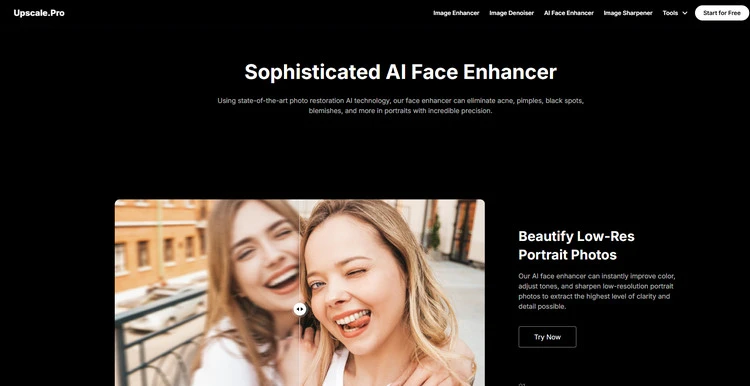
Upscale.Pro
Upscale. Pro’s AI face enhancer can instantly improve color, adjust tones, and sharpen low-resolution portrait photos to extract the highest level of clarity and detail possible. Well, the vintage face photos often look grainy and blurry but our AI face touch-up tool can reintroduce vibrant colors, brightness, and sharpness to restore faded imagery in one click. If you have some unwanted parts in the photo, such as unnatural eyes, scratches, haziness, or even distortion, its AI face enhancer can correct aspects of the image to present the subject’s features in a more attractive light. With this AI face enhancer, you can instantly implement automated color correction on your facial images to improve your overall complexion for a more natural and beautiful look.
These excellent features can make you enjoy crystal-clear, high-quality enhanced images. So, use this advanced AI face enhancer to enhance your professional headshots, social media portraits.
Conclusion
So, that’s how you can enhance facial quality with 3 different kinds of AI face enhancers. And FlexClip’s powerful editing features make it a versatile tool for your video/image editing needs. It deserves to be your best option for making engaging videos/images. Now it’s your move!




FlexClip AI Video Maker
Reach professional-quality videos faster with easy editing tools, templates, and smart AI.
Start Now for Free
Hot & Trending
-

Best Ways to Find Music in YouTube Videos
-

Instagram Story Video Quality Bad After Upload? Fix It!
-

How to Repost Video on TikTok & How to Remove TikTok Repost
-

Improve Video Quality Online: 3 AI Video Quality Enhancers You Can't Miss
-

4K Convert to HD 1080p without Watermark: Best 4k Video Converters
-

Best 8 Free Video Editors - No Download Required
-

Top 13 Birthday Video Makers with Music and Effects Free
-

How to Search Filters on TikTok & Use a Filter You See - TikTok Filter Guide




